
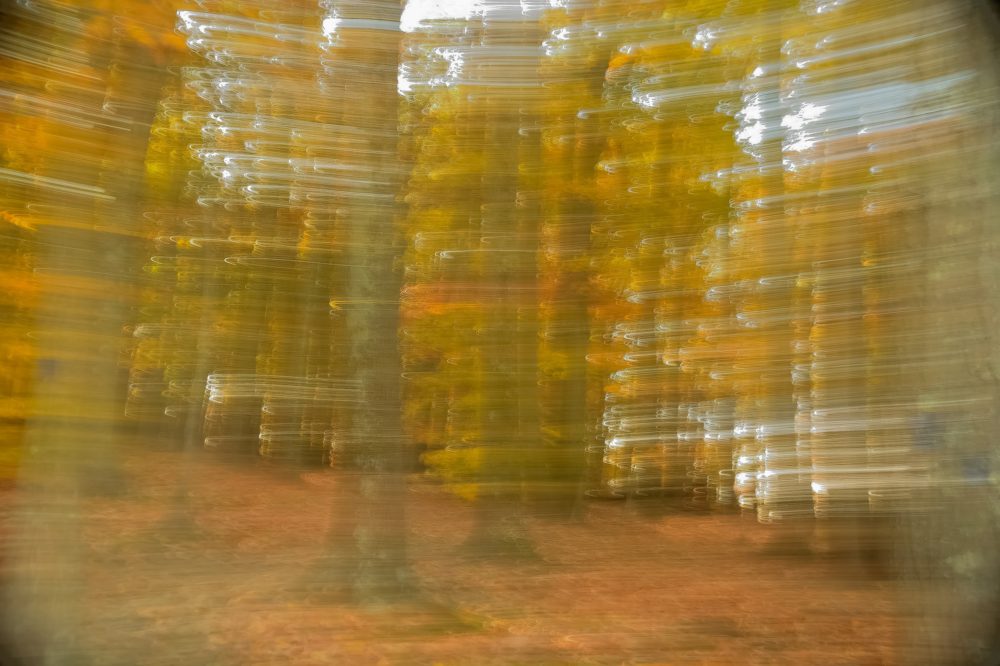
Motion blur in animation is a vital technique that brings a sense of speed, realism, and fluidity to moving images. Whether you are working in 2D, 3D, or stop-motion, understanding how to use this effect can elevate your work from static and artificial to dynamic and visually engaging. This guide explores the fundamentals, practical applications, and creative possibilities of adding blur to animated sequences, making it an essential resource for animators, filmmakers, and digital artists.
Before diving into the technical aspects, it’s important to recognize how this effect mimics the way our eyes and cameras perceive fast movement. By intentionally introducing blur, animators can direct attention, smooth transitions, and enhance storytelling. For those seeking inspiration or practical examples, the motion blur composition examples page offers a curated look at creative uses across different styles and genres.
Understanding the Role of Motion Blur in Animation
At its core, motion blur is the visual streaking that occurs when an object moves quickly within a frame. In traditional photography and live-action film, this happens naturally due to the limitations of shutter speed. In animation, however, every frame is crafted individually, so the effect must be simulated intentionally.
When used thoughtfully, this technique can:
- Convey speed and direction
- Smooth out choppy or low-frame-rate sequences
- Guide the viewer’s eye to important action
- Add a layer of realism to stylized or abstract visuals
Without this effect, fast movements may appear staccato or unnatural, especially in digital animation where each frame is crisp and clear by default. By integrating blur, animators bridge the gap between real-world perception and digital creation.
Techniques for Creating Motion Blur Effects
There are several ways to achieve convincing blur in animated works, each with its own advantages and challenges. The choice often depends on the animation style, software tools, and desired outcome.
Frame Blending and Smear Frames
One classic approach is the use of smear frames in 2D animation. These are exaggerated, stretched, or duplicated frames that visually suggest rapid movement. Frame blending, on the other hand, involves overlapping or averaging adjacent frames to create a softer, more photographic blur.
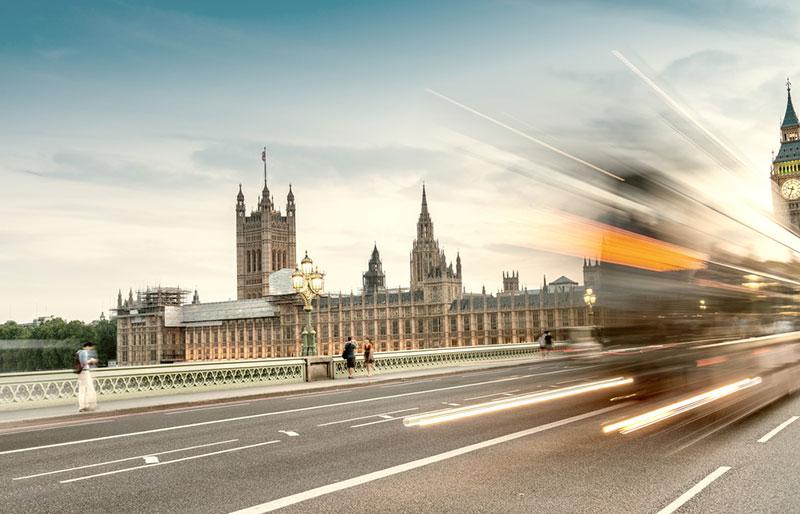
Both methods can be used together or separately, depending on the desired level of realism or stylization. Smear frames are especially popular in cartoons and anime, where exaggerated motion is part of the visual language.
3D Animation and Software-Based Blur
In 3D animation, most modern software packages offer built-in tools to simulate blur. These typically work by calculating the movement of objects or the camera between frames and generating streaks or softness accordingly. Popular programs like Blender, Maya, and Cinema 4D allow animators to adjust the amount and quality of blur through settings such as shutter angle, sample rate, and vector passes.
For those just starting out, the motion blur settings for beginners guide provides step-by-step instructions for configuring these options in various software environments.
Post-Production and Compositing
Another approach is to add blur during the compositing stage. This is common in visual effects workflows, where rendered sequences are imported into programs like After Effects or Nuke. Here, animators can apply directional or vector-based blur effects to specific layers, giving them fine control over the intensity and directionality of the effect.
Compositing-based blur is especially useful when working with multi-layered scenes or when the original animation lacks built-in blur capabilities.
Creative Uses and Artistic Considerations
While the technical aspects are important, the creative application of blur can have a significant impact on the mood and storytelling of an animated piece. Some artists use it sparingly, only on the fastest movements, while others embrace it as a stylistic hallmark.
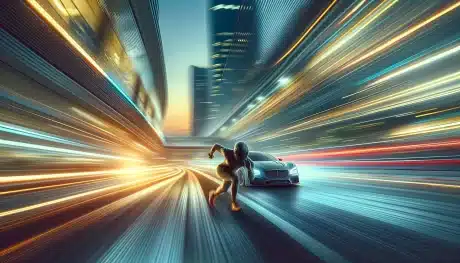
Some creative possibilities include:
- Emphasizing a character’s speed or power
- Creating dreamlike or surreal sequences
- Directing focus away from background elements
- Enhancing the impact of action scenes
For further inspiration, artists can explore the motion blur creative inspiration collection, which showcases innovative uses across different media.
Common Challenges and How to Overcome Them
Despite its benefits, using blur in animation comes with certain challenges. Overuse can make scenes look muddy or confusing, while underuse may result in stiff, unnatural motion. Here are some practical tips for achieving the right balance:
- Test different intensities: Start with subtle blur and gradually increase until the effect feels natural.
- Match the style: Consider the overall look of your animation. Realistic projects may require more nuanced blur, while stylized works can get away with bold smears.
- Use reference footage: Study live-action videos or high-speed photography to understand how real-world motion looks.
- Preview in context: Always review blur effects in the context of the full sequence, not just isolated frames.
For those interested in comparing different approaches, the motion blur before and after examples guide provides side-by-side visuals that highlight the impact of this technique.
Real-World Applications and Industry Examples
Blur effects are widely used in feature films, television, video games, and advertising. In blockbuster animation studios, teams carefully calibrate the amount of blur to match the pacing and visual style of each project. Even in indie productions, well-executed blur can make a significant difference in perceived quality.
Some notable uses include:
- High-speed chase scenes in animated movies
- Dynamic fight sequences in anime
- Stylized transitions in music videos
- Sports replays and highlight animations
For a deeper dive into capturing movement in still images, the how to capture motion blur in photography article explores similar principles applied to photography, offering valuable insights for animators and visual storytellers alike.
Best Practices for Adding Motion Blur to Animation
To maximize the impact of blur in your animated projects, keep these best practices in mind:
- Plan ahead: Decide early in the production process how and where you will use blur. This helps avoid last-minute fixes and ensures consistency.
- Use layers and masks: When compositing, apply blur selectively to foreground or background elements as needed.
- Adjust for frame rate: Higher frame rates require less blur, while lower rates benefit from more pronounced effects.
- Stay consistent: Maintain similar blur settings for objects moving at the same speed to avoid visual distractions.
- Solicit feedback: Show your work to others and adjust based on their perception of motion and clarity.
By following these guidelines, animators can create visually compelling sequences that feel both dynamic and polished.
FAQ
What is the main purpose of adding blur to animated sequences?
The primary goal is to simulate the way fast movement appears in real life, making animation feel smoother and more realistic. It helps convey speed, direction, and energy, while also reducing visual stutter in fast-paced scenes.
How do I choose the right amount of blur for my project?
Start with subtle settings and increase gradually. Consider your animation’s style, frame rate, and the speed of moving objects. Test different levels and review them in the context of the full sequence to find the most natural look.
Can I add blur effects after rendering my animation?
Yes, many animators use compositing software to apply blur in post-production. This allows for precise control and adjustment without needing to re-render the entire animation, making it a flexible option for fine-tuning the final result.