
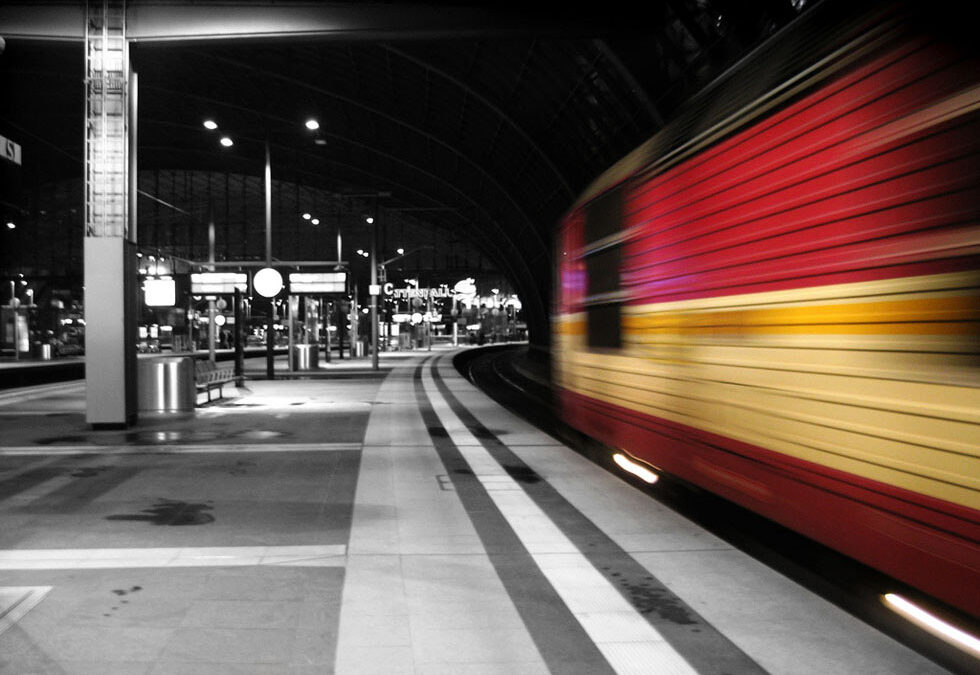
Capturing sharp, clear images is a priority for photographers and videographers alike. However, motion blur—the streaking or smearing of moving subjects—can often compromise image quality. Whether caused by camera shake, subject movement, or slow shutter speeds, unwanted blur can be frustrating. Fortunately, a range of motion blur correction techniques exist to help restore clarity and detail, both during shooting and in post-processing.
In this article, we’ll explore the most effective ways to address motion blur, from preventive measures to advanced digital restoration. If you’re interested in learning how to create or control blur effects on specific devices, you might also find our guide on motion blur on android camera helpful.
Understanding Motion Blur and Its Causes
Before diving into correction methods, it’s important to understand what causes motion blur. This phenomenon occurs when the camera sensor records movement during exposure. The most common sources include:
- Camera shake due to unsteady hands or lack of stabilization
- Fast-moving subjects within the frame
- Slow shutter speeds, especially in low-light conditions
- Improper focus or panning techniques
While sometimes used creatively, unintended blur can detract from the impact of a photo or video. Recognizing the root cause helps in selecting the right motion blur correction techniques for the job.
Preventive Strategies for Minimizing Blur
The best way to avoid the need for correction is to minimize blur at the time of capture. Here are several practical steps:
- Use a tripod or stabilizer: Keeping the camera steady is the most effective way to reduce shake-induced blur.
- Increase shutter speed: A faster shutter “freezes” motion, making it less likely for moving subjects to appear blurred.
- Enable image stabilization: Many cameras and lenses offer built-in stabilization to counteract minor movements.
- Adjust ISO and aperture: Raising ISO or widening the aperture allows for faster shutter speeds in low light.
- Use burst mode: Taking multiple shots increases the chance of capturing a sharp frame.
For those working with video, understanding the relationship between frame rate and shutter angle is also crucial. More on this can be found in our resource on motion blur in videography.
Digital Motion Blur Correction Techniques
Even with the best preventive measures, some images will still suffer from unwanted blur. Modern software provides several powerful tools to restore sharpness:
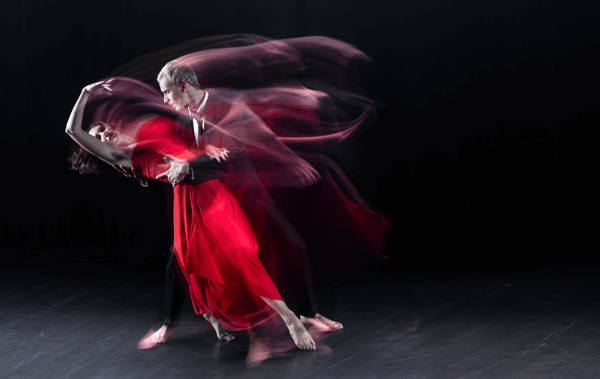
Deconvolution Algorithms
Deconvolution is a mathematical process that attempts to reverse the effects of blur by analyzing the direction and distance of movement. Tools like Adobe Photoshop’s “Shake Reduction” filter or specialized plugins use deconvolution to reconstruct lost details. While results can be impressive, success depends on the severity and type of blur.
Sharpening Filters
Basic sharpening filters, such as Unsharp Mask or Smart Sharpen, enhance edge contrast to create the illusion of a crisper image. While they can’t truly “undo” blur, they often improve perceived sharpness, especially for minor motion artifacts.
AI-Based Restoration
Recent advances in artificial intelligence have led to new tools that analyze and correct motion blur using deep learning models. These programs, available as standalone apps or plugins, can sometimes outperform traditional methods, especially for complex or irregular blur patterns.
Manual Correction and Creative Solutions
Not all blur can be fixed with a single click. Sometimes, a combination of manual techniques yields the best results:
- Layer masking: Combine a blurred image with a sharper version, masking in only the areas that need correction.
- Selective sharpening: Apply sharpening only to key subjects, avoiding background noise amplification.
- Cloning and retouching: For small areas, manual retouching can restore lost details or remove distracting streaks.
- Content-aware fill: Use advanced fill tools to reconstruct missing or smeared parts of an image.
For more advanced post-production tips, see our article on motion blur post processing tips.
Choosing the Right Approach for Your Image
The ideal motion blur correction technique depends on several factors:
- Type of blur: Linear (from camera shake) is easier to fix than complex or rotational blur.
- Severity: Mild blur responds better to correction than severe streaking.
- Available software: Some tools are better suited for specific types of restoration.
- Intended use: For critical work, like commercial prints, professional restoration may be necessary.
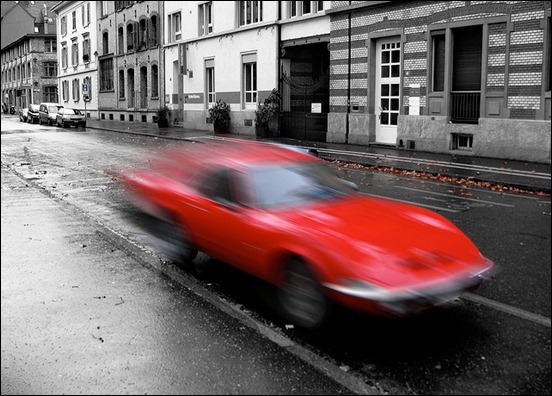
It’s also important to set realistic expectations. While modern tools can work wonders, not every image can be restored to perfect sharpness. Sometimes, embracing a small amount of blur can add a sense of movement or atmosphere to your work.
Further Reading and Resources
For a deeper dive into the science and visual impact of motion blur, see this comprehensive article on what motion blur is and how it affects visuals. If you’re curious about how motion blur interacts with slow motion, our guide on motion blur in slow motion video provides additional insights.
For iPhone users, specific tips can be found in our tutorial on motion blur on iphone camera.
Frequently Asked Questions
Can all types of motion blur be completely removed?
Not every instance of blur can be fully corrected. Linear or mild blur often responds well to digital restoration, but severe or complex patterns may only be partially improved. The best results come from combining multiple correction methods and starting with the highest quality original image possible.
What is the difference between camera shake and subject motion blur?
Camera shake occurs when the entire camera moves during exposure, causing everything in the frame to blur in the same direction. Subject motion blur happens when only the moving subject is blurred, while the background remains sharp. Each type may require different correction strategies.
Are there any free tools for correcting motion blur?
Yes, several free and open-source programs offer basic sharpening and deblurring features. GIMP, for example, includes sharpening filters and some plugins for deconvolution. However, advanced AI-based or professional restoration tools are usually paid.